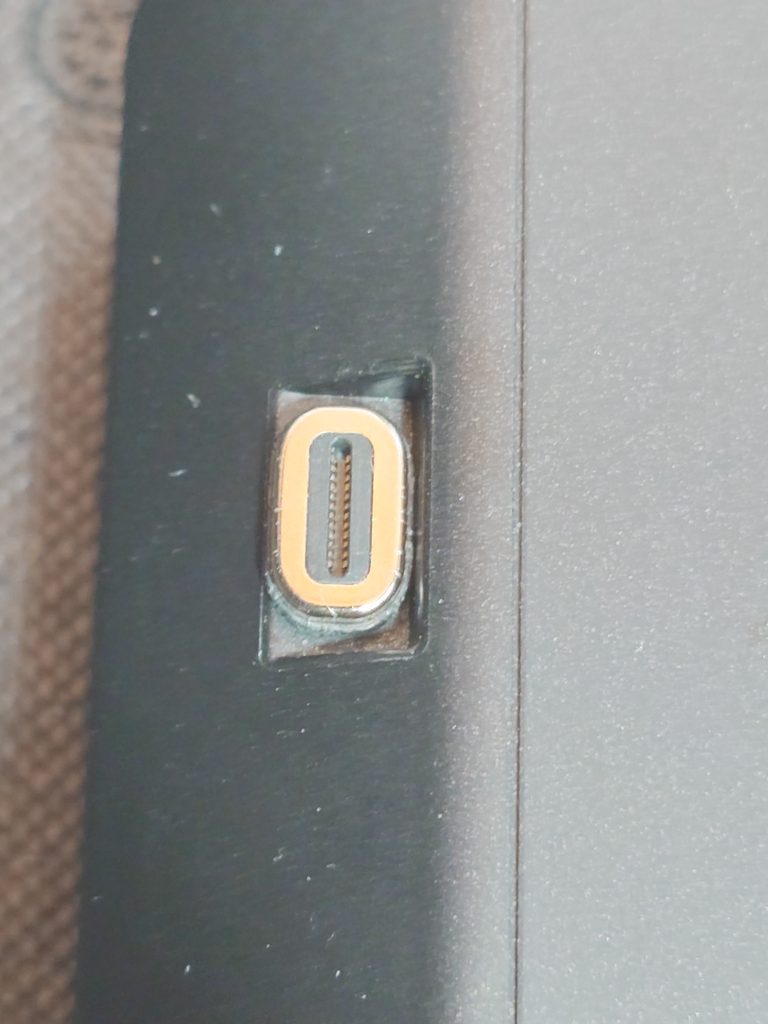
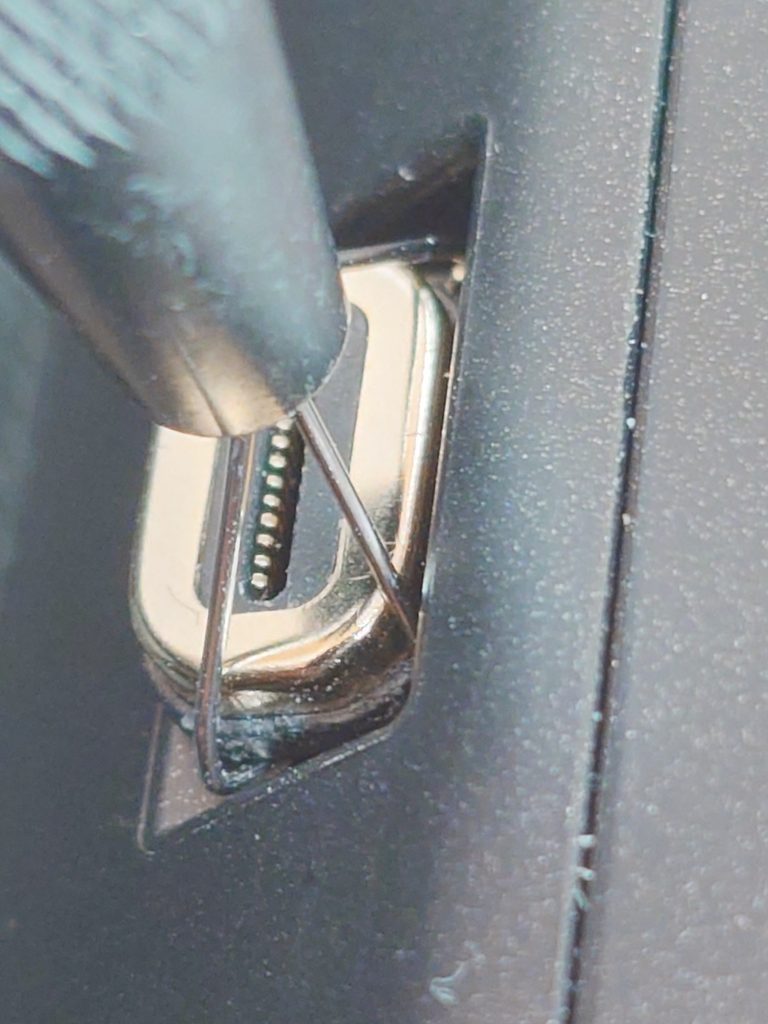
For S50 Pro users (for tiny C-Port)
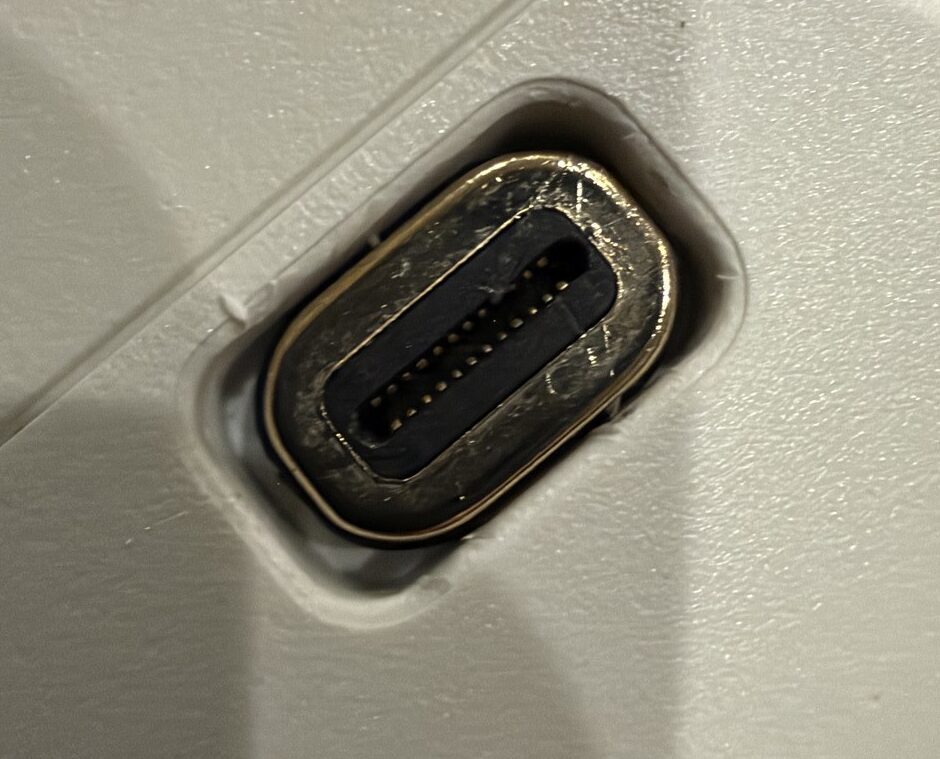
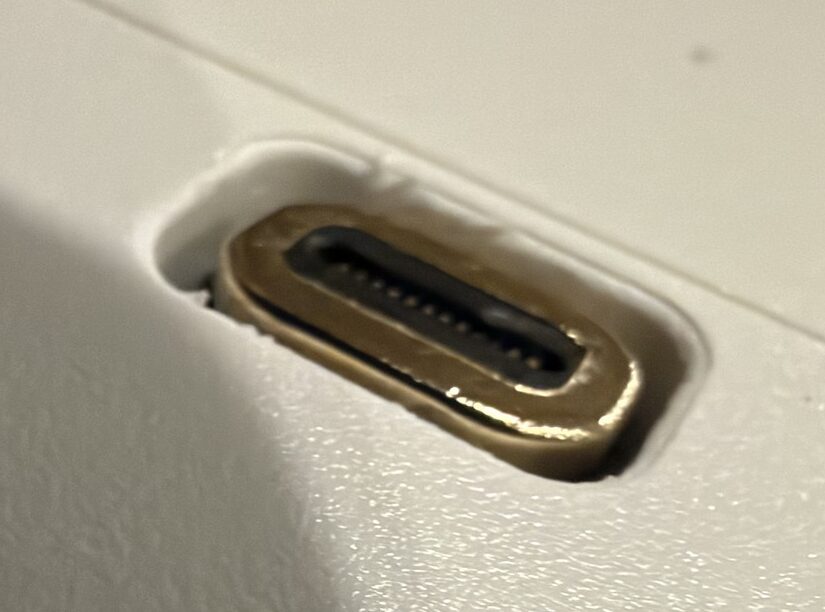
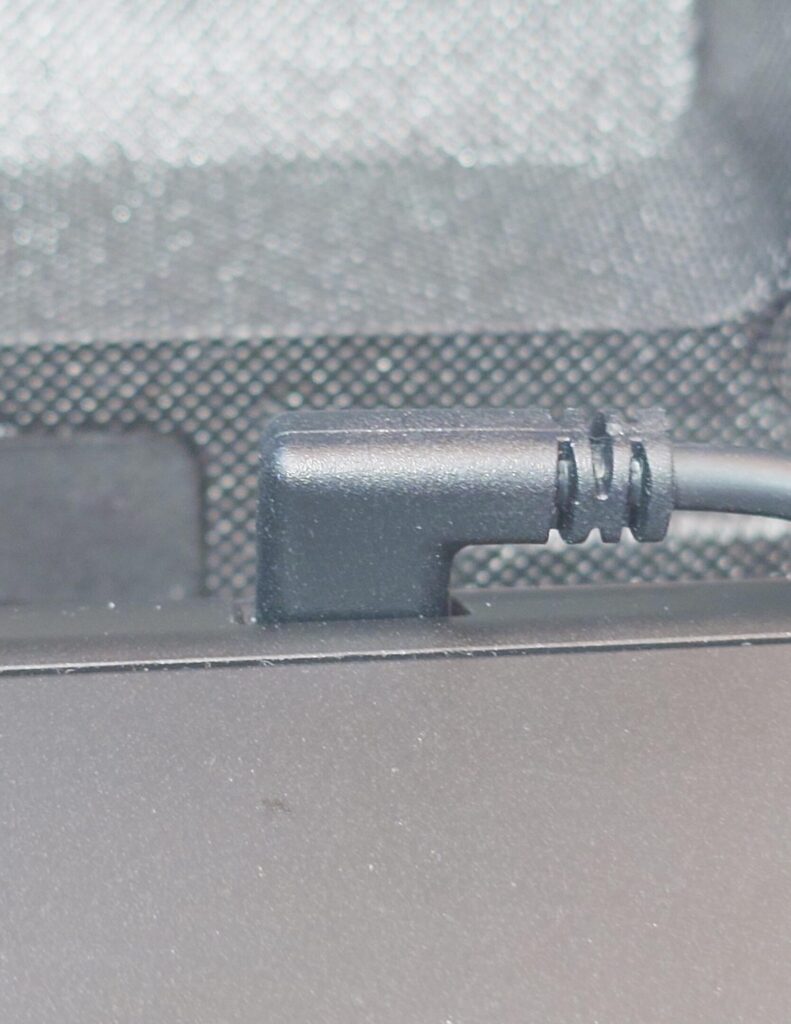
Seestar S50 Pro’s USB-C port is surrounded by high wall, and narrow.
Thick USB-C plug, including the one with ChargeOrbit, does not fit into.
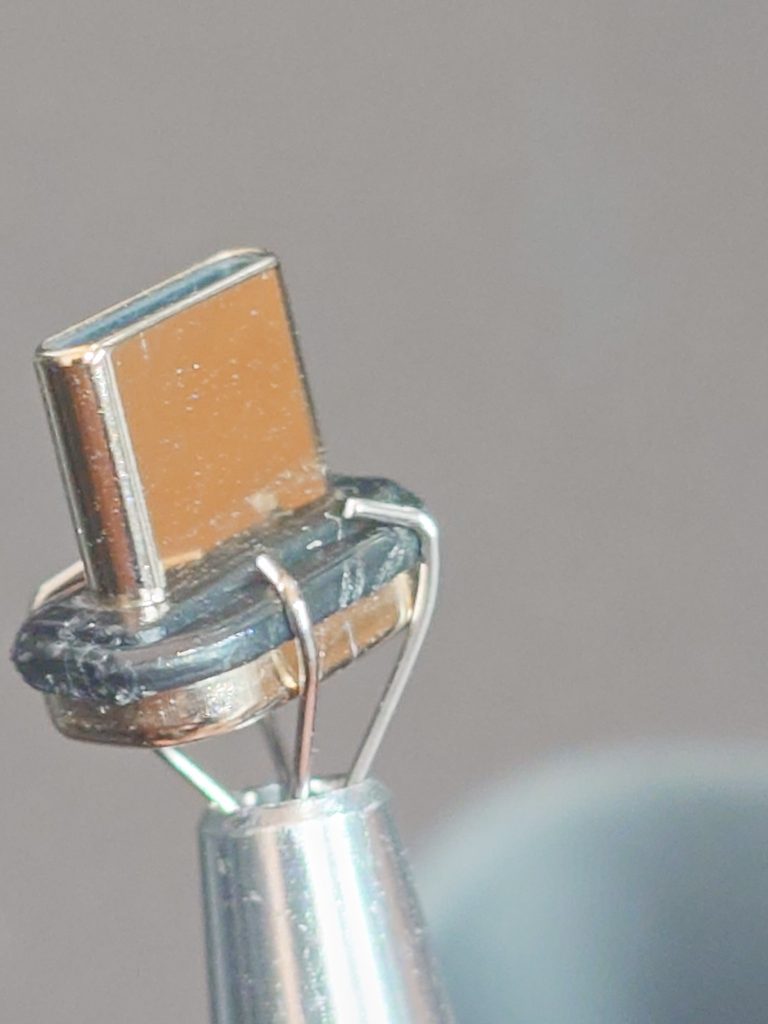
Worse thing is, magnet plug stuck in the hole, and can’t be removed easily.
(These photos are from user.)
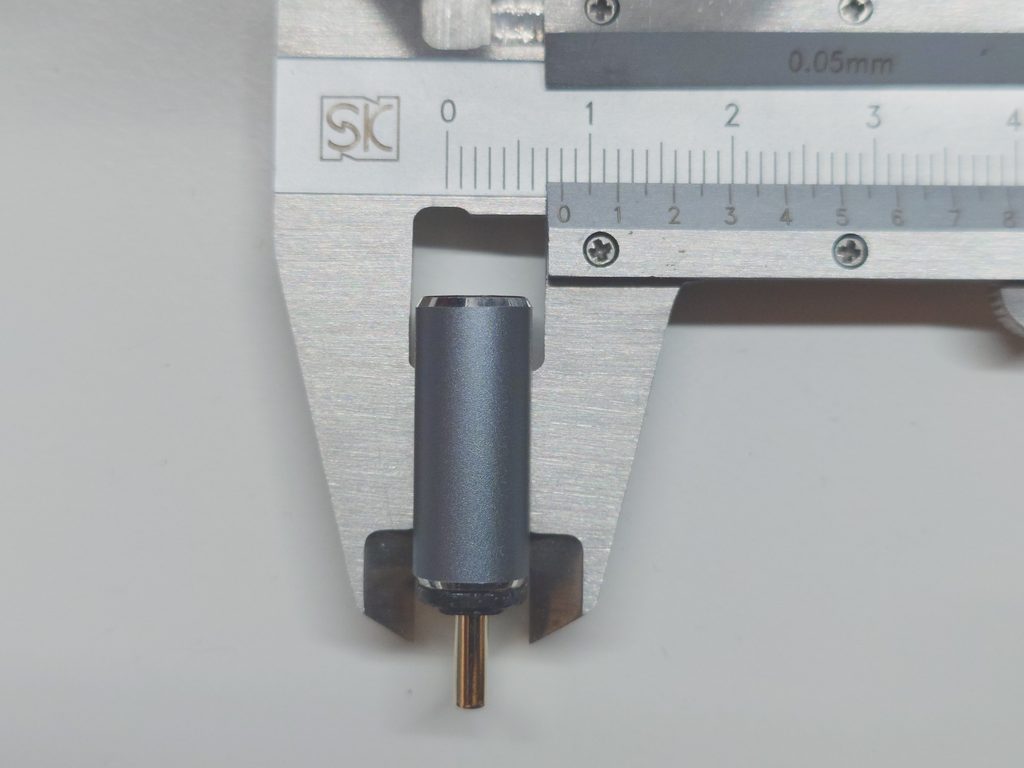
How to connect for S50 Pro (or other tight port)
Please do one of followings:
For 1 or 2 above, you need to choose USB plug with less than 7mm thickness. S50 Pro’s USB C port is 7mm width, I recommend to use one with 6mm or less thickness.
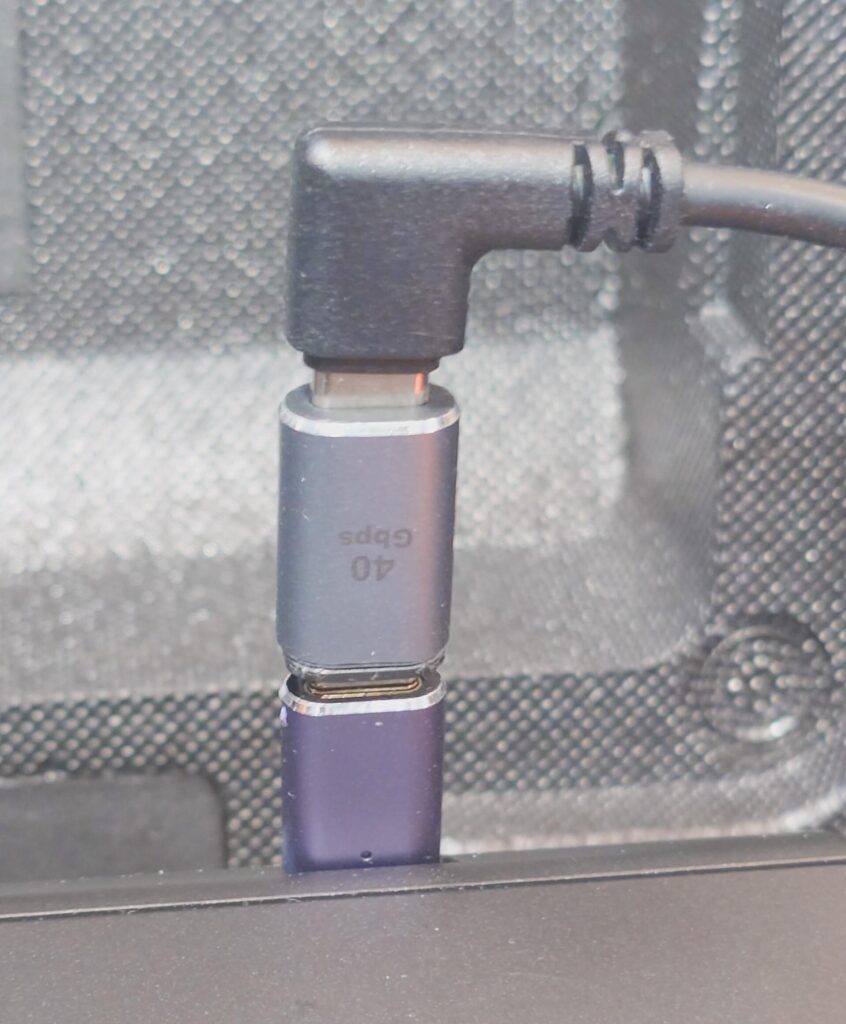
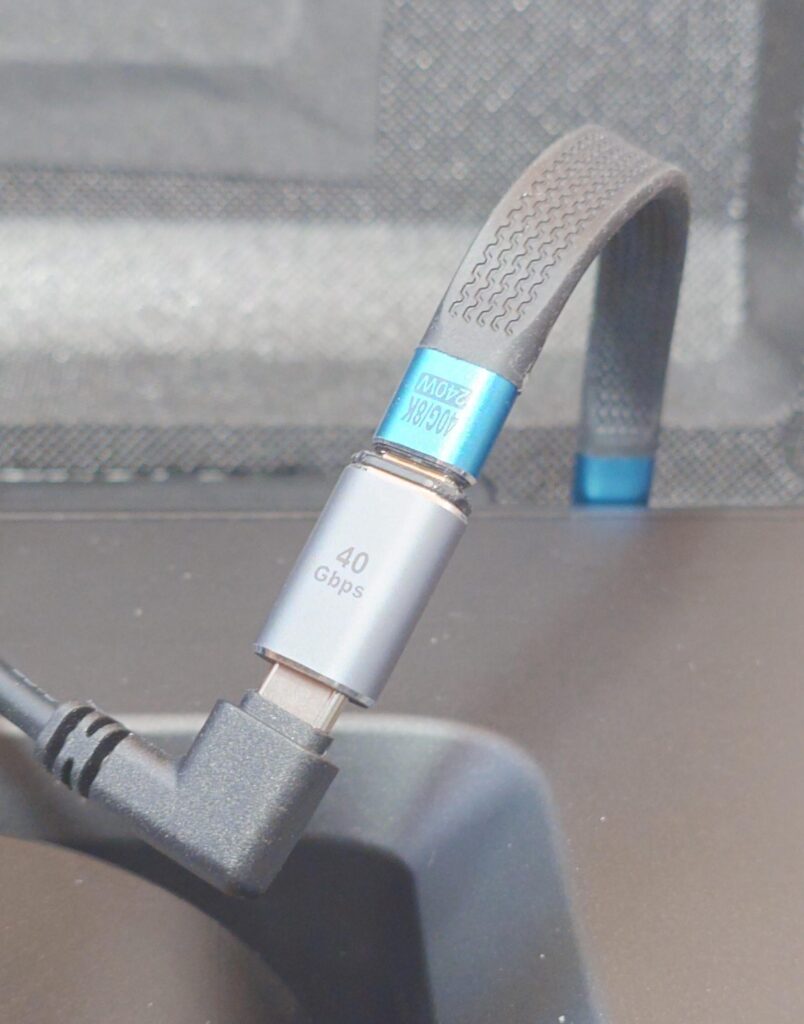
- Use tiny USB-C extension adaptor.
- Use very short C-extension
- Use without magnet adaptor.
* Magnet is for fail-safe: In case rotator did not rotate. Maybe condense a lot then frozen.
How to remove stuck connector.
I tried several way or tools. Unfortunately, I can test only with S50, not S50 Pro.
But S50 also has high wall in one side, so I can test at lease one side.
I succeeded at lease following two solutions.
- Buy “Jewelry pickup tool“, “piercing ball grabber” like following.

However, grip is weak if as it is. So using needle nose plier, bend it less than 90 degree.
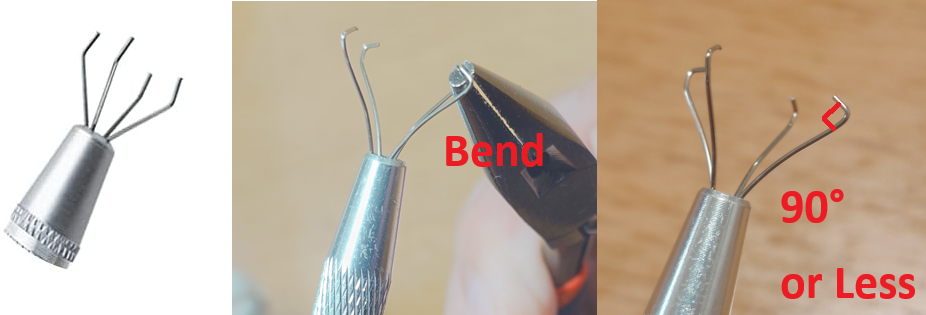
Then insert grip from corner spaces, then grab and pull out vertically.
(Sorry, the photo is S50, because I do not have S50 Pro)